Whether you're a hobbyist prototyping a new bracket or a maker designing a custom case, these latest updates are designed to make your workflow smoother and more resilient.
🎨 Design with Precision: The Ellipse Tool
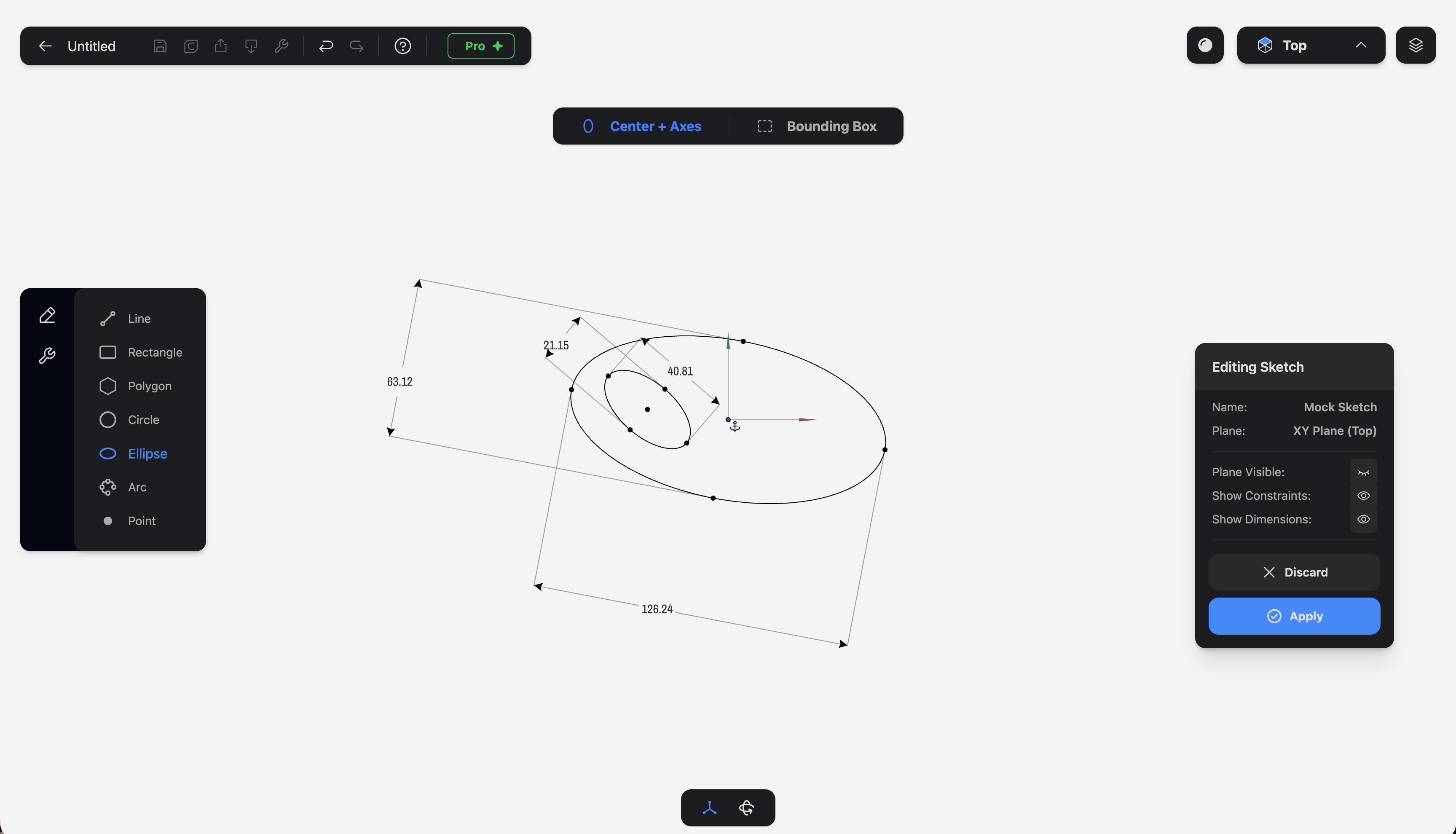
Your sketching toolkit just got a major upgrade. You can now create Ellipses within the sketcher! This has been a highly requested feature for those designing ergonomic grips, decorative elements, or mechanical parts that require more than just a simple circle.
- How to use it: Open a new sketch, select the Ellipse tool, and define your major and minor axes. Like all our tools, it's fully parametric—just tap a dimension to refine it.
🔄 Save Your Design Intent: Re-assign Face
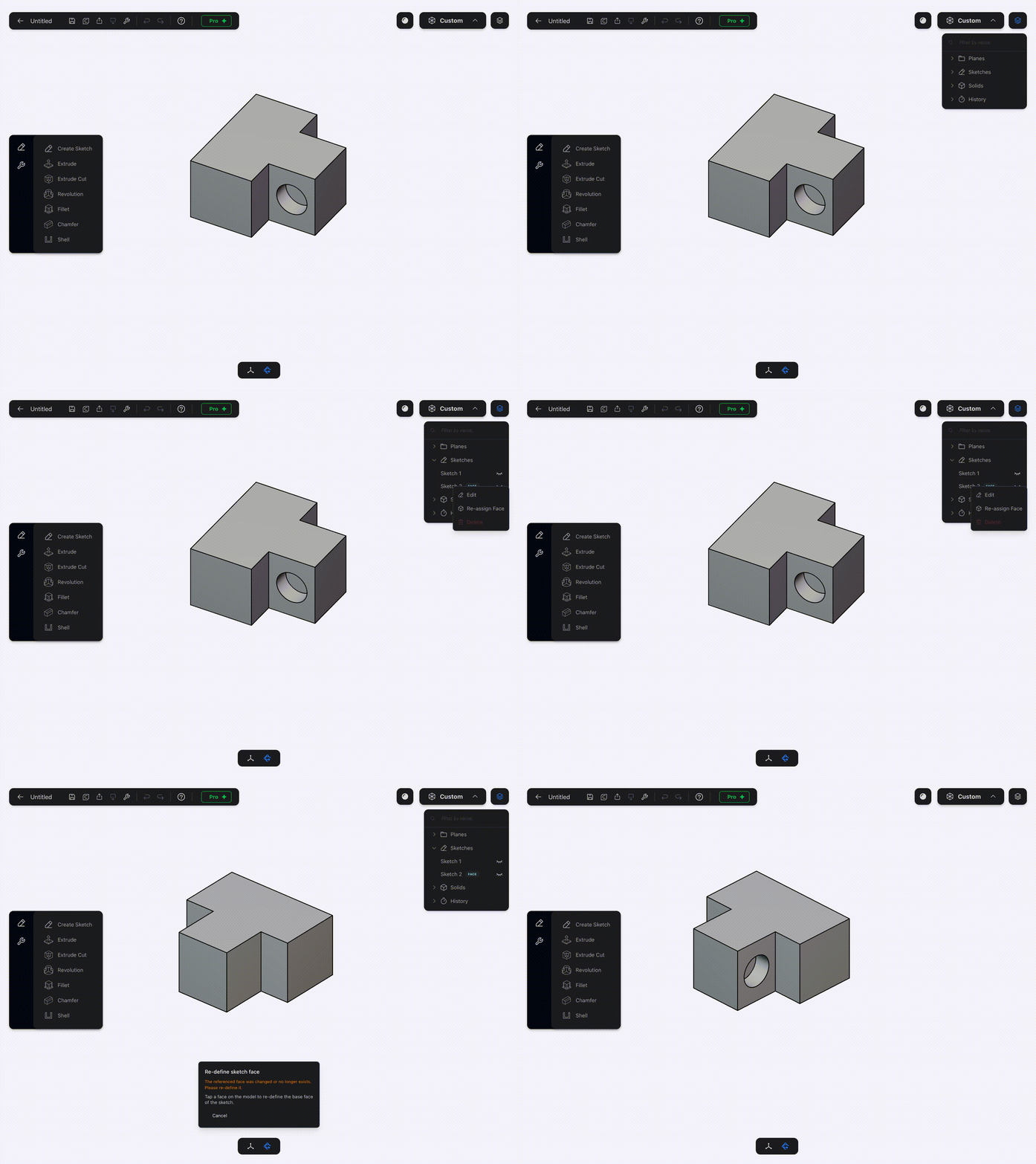
I know that design is an iterative process. Sometimes you create a sketch on a face, but later realize you need to delete the underlying extrude or change the geometry entirely. In most CAD tools, this "breaks" your sketch because it loses its reference point.
With the new Re-assign Face feature, you no longer have to worry about lost work. If the original face your sketch was built on disappears or changes:
- Select the "lost" sketch in your history tree.
- Tap Re-assign Face.
- Select a new face to anchor it to.
Your sketch will instantly move to the new location, trying the best to keep all your constraints and dimensions intact. This is still a work in progress feature.
🖥️ Part3D is Coming to Desktop!
Yes, you read that right. While I am focusing on Part3D to be an iPad first and optimized for the Apple Pencil, I know many of you (and myself) prefer to prototype on desktop.
I am officially in the Work-In-Progress phase for the desktop version of Part3D. I'm focusing on bringing that same clean, minimalist UI to the big screen while ensuring the controls feel just as intuitive with a mouse as they do with a stylus. Stay tuned for more updates on this soon!
📺 Master Part3D with New Video Tutorials
Want to see these features in action? I've just uploaded a series of new YouTube videos! These short, focused tutorials cover everything from basic 2D sketching to advanced 3D operations.
- Watch now: Getting Started
🚀 Better Logic, Fewer Errors
Behind the scenes, I've implemented new sketch validations. The app is now smarter at helping you identify issues in your geometry before you try to extrude or revolve. If a sketch isn't closed or has overlapping lines, duplicated primitives or is based on a non-planar surface, Part3D will let you know.