CAD on iPad.Made easy.
Sketch, dimension and model real, printable parts with Apple Pencil. Parametric CAD that’s fast to learn, on iPad and Mac.
Free to start · iPad and Mac · Requires Apple Pencil on iPad
- Built for PencilDraw and pick right on the canvas
- Fully parametricEdit any feature, any time
- STEP in and outWorks with your other CAD tools
- Works offlineYour files stay on your device
From blank sketchto finished part.
A pipe hook, start to finish, in six steps. Every number you type stays editable, so changing your mind later is one tap away.
- 01Circle
Pick a plane and draw.
Start on an origin plane, a Construction Plane or any flat face of a solid, and draw with lines, arcs, circles and more.
- 02Dimension
Type the exact size.
Tap a line and enter its length on the number pad. The constraint solver keeps everything else in place.
- 03Trim
Cut away what you don’t need.
Tap a piece to remove it back to where other shapes cross it. Two circles and two lines become a J.
- 04Extrude
Pull it into 3D.
Tap the profile and set a length. The preview updates live before you apply it, and lands in the History.
- 05Hole
Add real features.
Through, blind, countersunk or counterbored, placed on any face. Fillets, chamfers and threads work the same way.
- 06Done
Ready to print.
Export STL, OBJ or STEP, or send it straight to your slicer with Part3D Bridge.
Real CAD.No clutter.
The same sketch-and-feature workflow as desktop CAD, built on a real B-rep kernel. Just the tools you need, where you expect them.
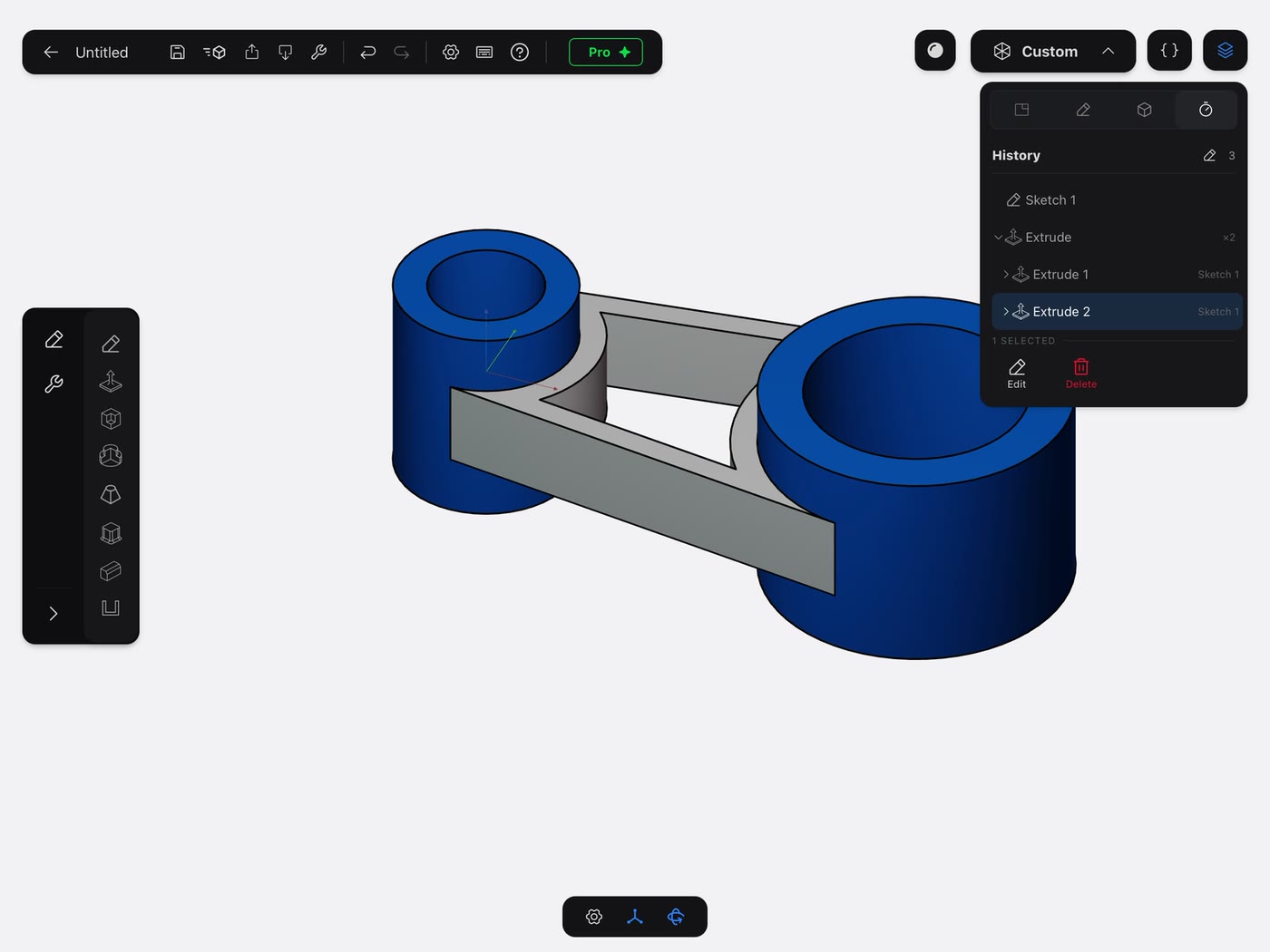
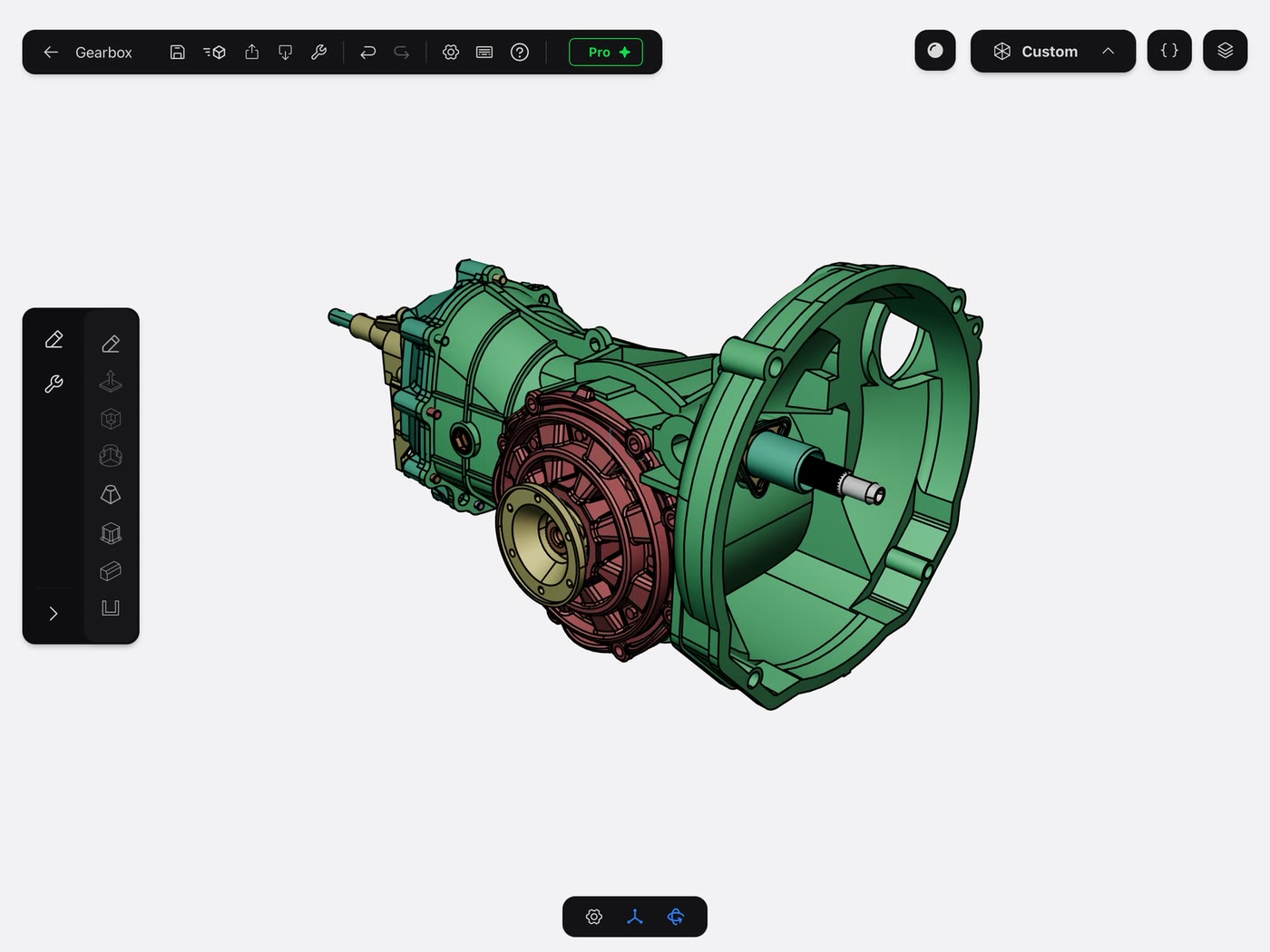
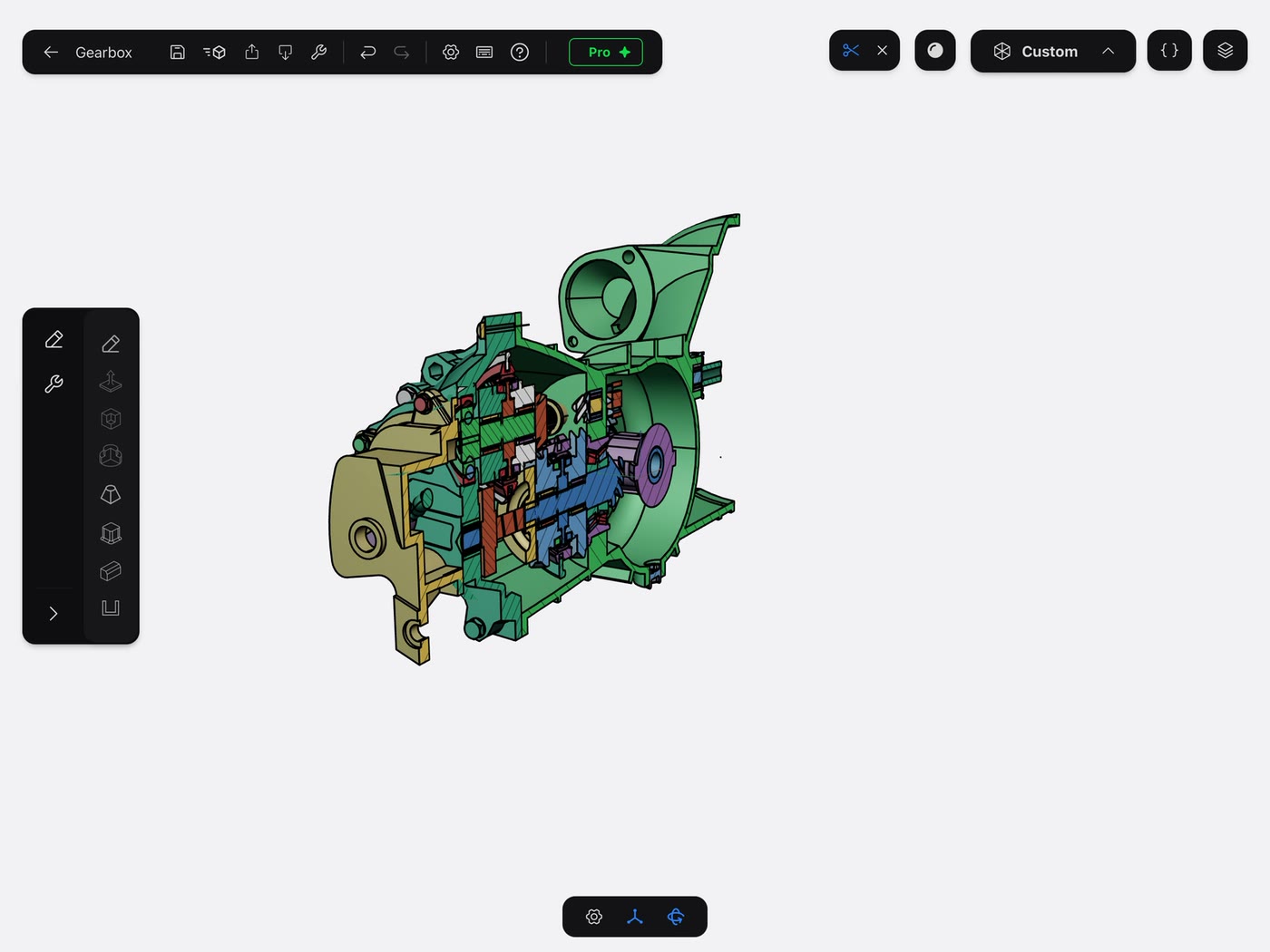
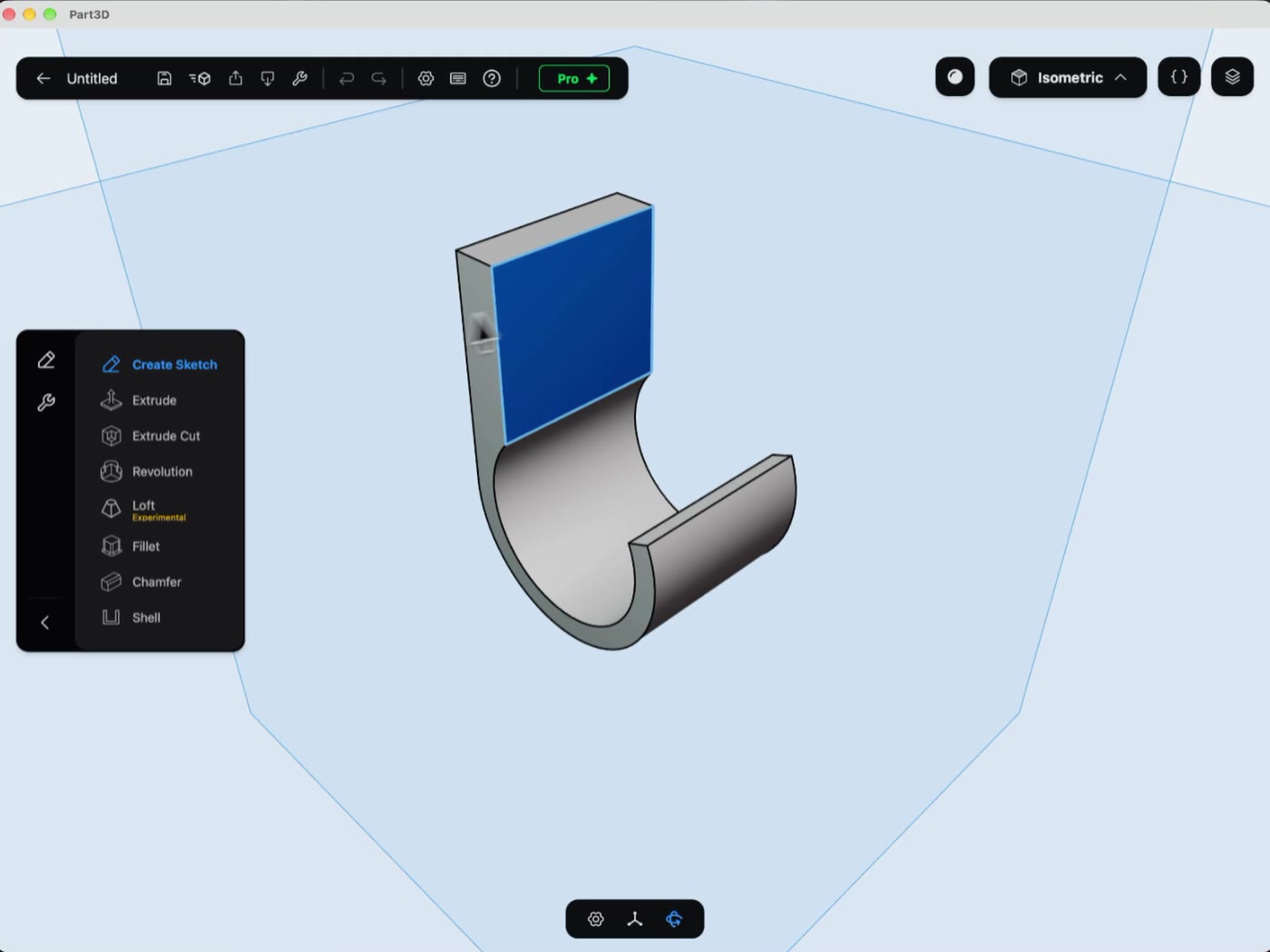
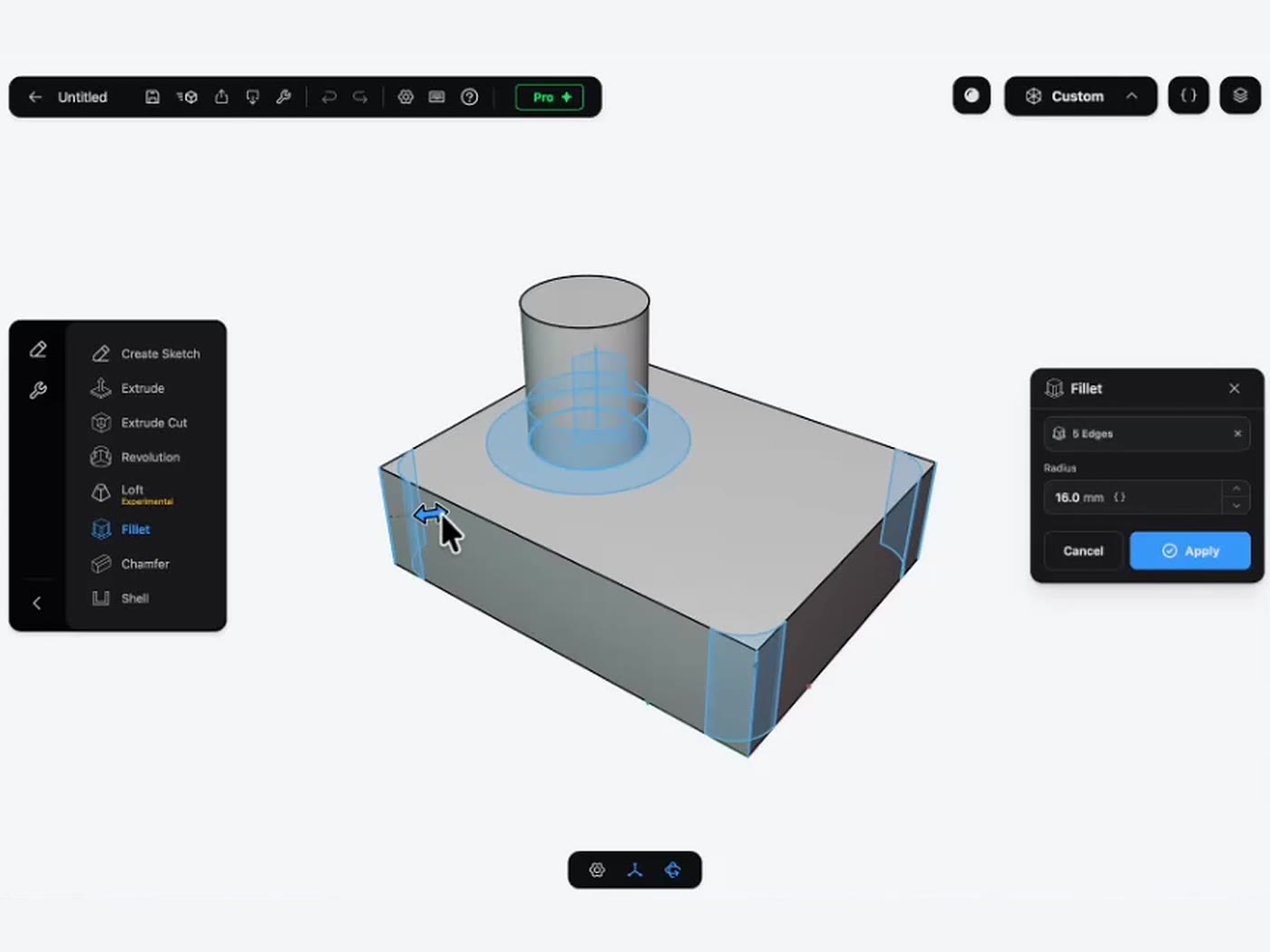
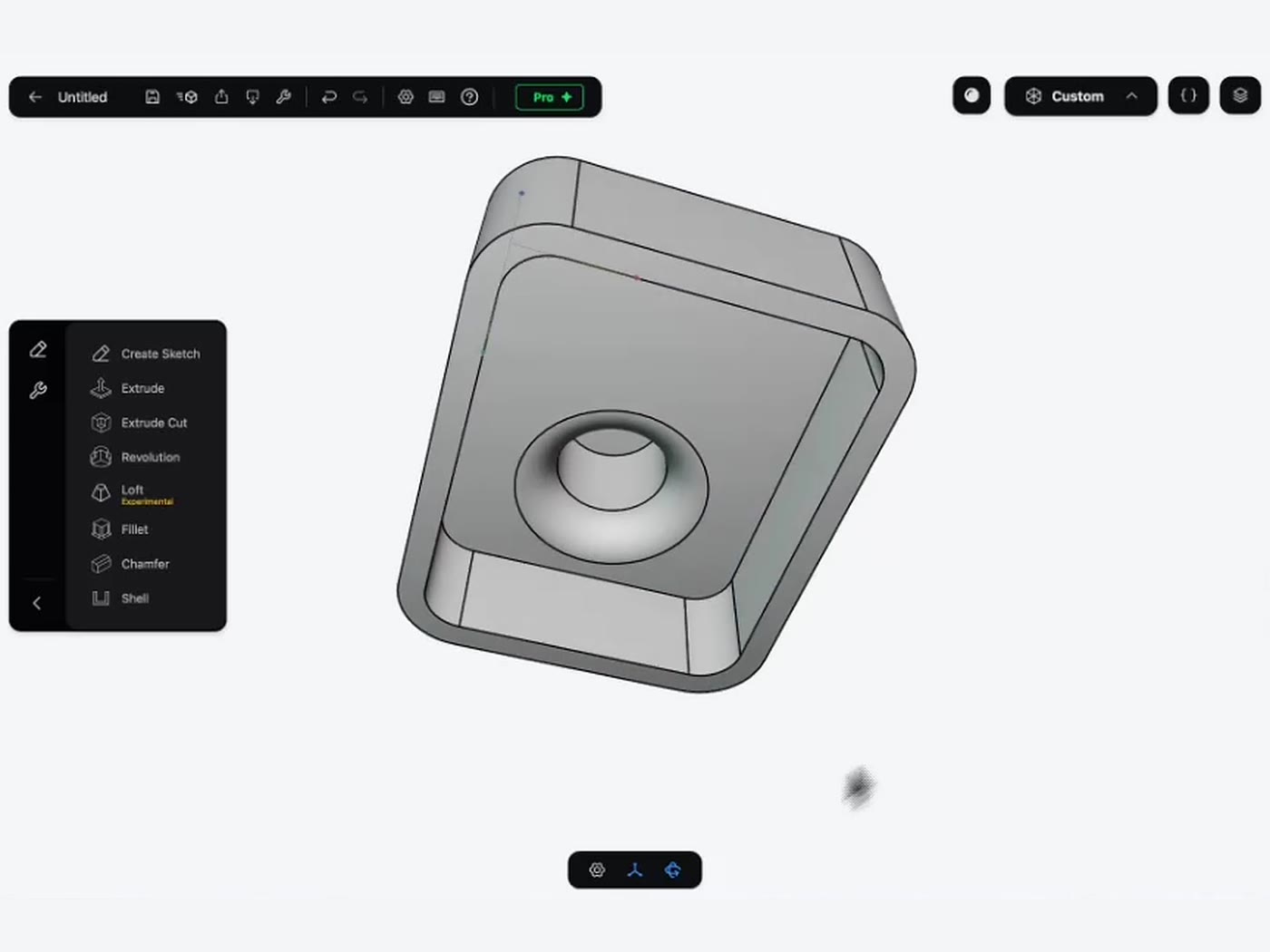
Every toolyou need.
From the first line to an exported part, without leaving the app.
Sketch
17Constraint-solved 2D sketches. Dimension anything; drag what isn’t fixed.
- Line
- Arc
- Circle
- Ellipse
- Rectangle
- Polygon
- Point
- Constraints
- Trim
- Offset
- Fillet
- Mirror
- Linear Array
- Circular Array
- Project from Solid
- Import SVG
- Reference Image
Model
16Solid features that stay editable in the History.
- Extrude
- Extruded Cut
- Revolve
- Loft
- Push Face
- Offset Face
- Fillet
- Chamfer
- Shell
- Hole
- Thread
- Boolean
- Mirror
- Clone
- Transform
- Construction Plane
Inspect & share
10Check your part, then get it out to the printer or another CAD tool.
- MeasureNew
- Millimeters & inchesNew
- GalleryNew
- Section View
- Solid Colors
- Undo & Redo
- Autosave
- STEP import & export
- STL & OBJ export
- Send to Slicer
Model it.Print it.
Part3D Bridge is a small helper for your computer. Your iPad finds it on the network, and one tap opens the part in your slicer. No cables, no cloud, no IP addresses.
- Secure pairing: only your devices can connect
- Finds the slicers installed on your computer
- Free with every copy of Part3D
- Prefer files? Export STL, OBJ or STEP

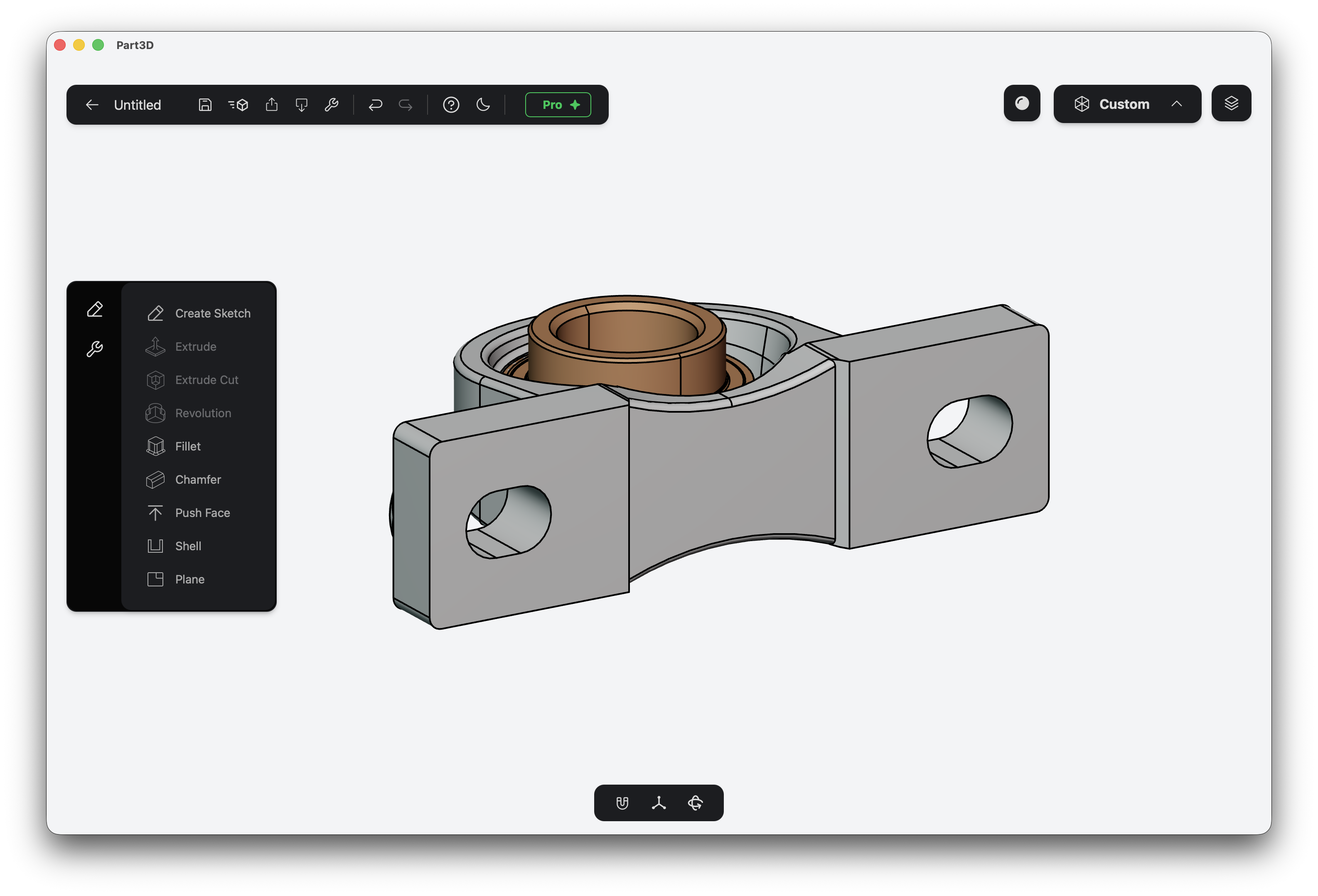
Also onyour Mac.
Start a part on the couch with Apple Pencil, finish it at your desk with a mouse and trackpad. Same app, same files, one purchase.
Start free.Own it forever.
One payment for a lifetime license, or support development with a subscription. Either way, iPad and Mac are included.
or $5.99/month or $39.99/year
- STEP import & export · bring in any CAD file
- High-quality STL and OBJ export · for printing and slicing
- Advanced tools · Trim, Mirror, Linear Array, Reference Images and more
- Unlimited projects · make as many models as you want
- Support development · help us make Part3D even better
One license covers iPad and Mac.
Download and start modeling today. Up to 3 projects.
- All basic sketching tools
- Extrude, Fillet, Chamfer, and more
- Part3D Bridge support
- Regular quality STL and OBJ export
Common questions
What is Part3D?
Part3D is parametric CAD for iPad and Mac, made for hobbyists and 3D printing enthusiasts. You sketch in 2D, turn sketches into solids with features like Extrude, Fillet and Hole, and export the result for printing or for other CAD tools.
Do I need prior CAD experience?
No. Part3D is designed to be easy for beginners. Our tutorials on YouTube and the user manual walk you through your first parts.
Do I need an Apple Pencil?
On iPad, yes: you need an Apple Pencil or a compatible stylus. On Mac, you use your mouse or trackpad like in any other CAD software.
Does Part3D need an internet connection?
No. Part3D runs entirely on your device. The network is only used when you send a part to your slicer with Part3D Bridge or sync files with iCloud.
Which file formats can I import and export?
Part3D exports STL and OBJ for printing, and imports and exports STEP to work with other CAD software like Fusion, Onshape or SolidWorks.
Can Part3D replace desktop CAD for hobby projects?
For brackets, enclosures, adapters and most parts you’d 3D print, yes. For very large assemblies or production drawings, you’ll still want full desktop CAD.